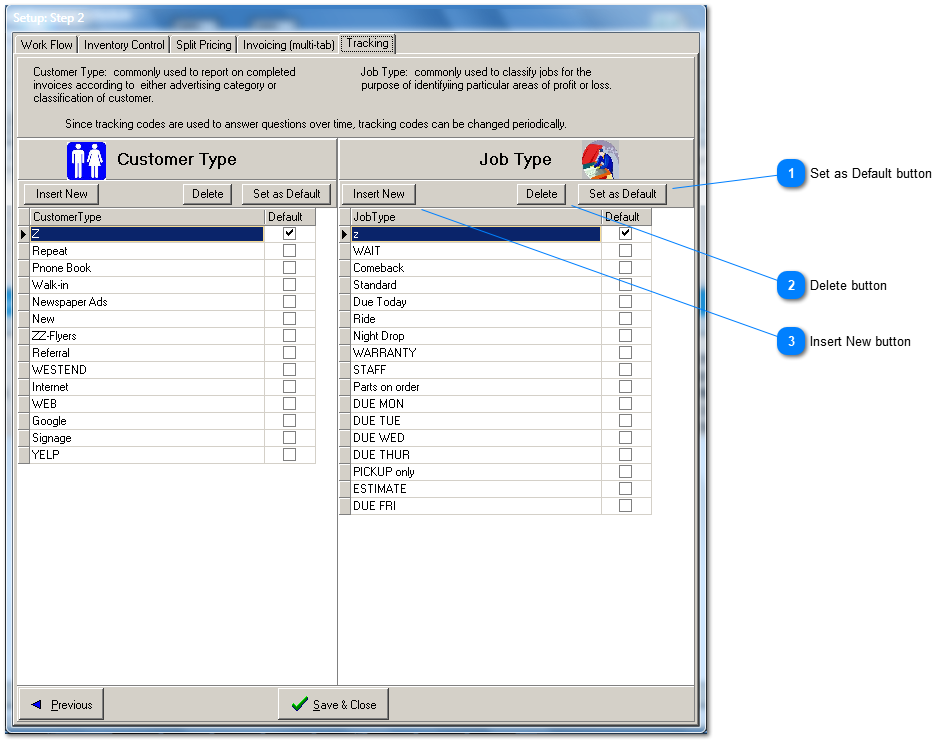
The Customer Type and Job Type master lists provide you with the opportunity to track your profit by two parameters of your own choosing; customer type and job type.
Modify the master list as needed. For example, to track results of a new ad campaign callled New-Ad, first insert 'New-Ad' into the Customer Type list.
Customer Type is assigned to a (new) customer from the Customer Type drop down combo box, found either by first clicking the Customer button on the Repair Order tab, or from the Edit menu-> Customers/Vehicles.
For reporting of sales and profit by Customer Type, select the Sales->Profit Summary in the Reports tab. Then select 'by customer type' from the multiple options submenu.
The procedure for tracking by Job Type is similar.
Set as Default button
The default type is the value that is assigned when beginning a new repair order.