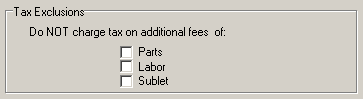
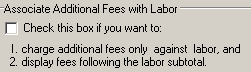
To automatically calculate additional fees as the sum of individuals percentages of the invoice parts, labor and sublet subtotals, check this box. Do not neglect to set an upper limit.
Check this box if you don't want automatically calculated additional fees. You can then set a flat fee or no fee. Note that regardless of how you set automatic or a flat fee, you can always modify the fee amount before finalizing each invoice.
The label for additional fees can be whatever you like, but try to keep it short, as there is a limited amount of space for it. For example, use 'Fees' instead of 'Additional Fees' and 'Supplies' instead of 'Shop Supplies. If the label is too long it may overlap or be hidden by, other parts of the invoice.