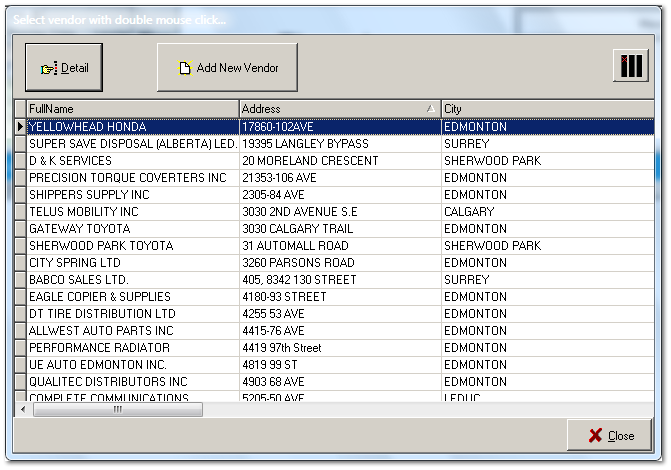
Select an existing vendor for viewing or editing details by double-clicking on the vendor of your choice, or by highlighting it with a mouse click followed by a click on the Detail button.
To make your selection easier to find, sort the list by any column by clicking on the column header (FullName, Address, City, etc). There are many more columns than shown in the snapshop below. Use the horizontal scroll bar to see them all.
If vendor is not already in the list, click the Add New Vendor button. The Add button opens the details button, empty and waiting location and account information for a new vendor record.