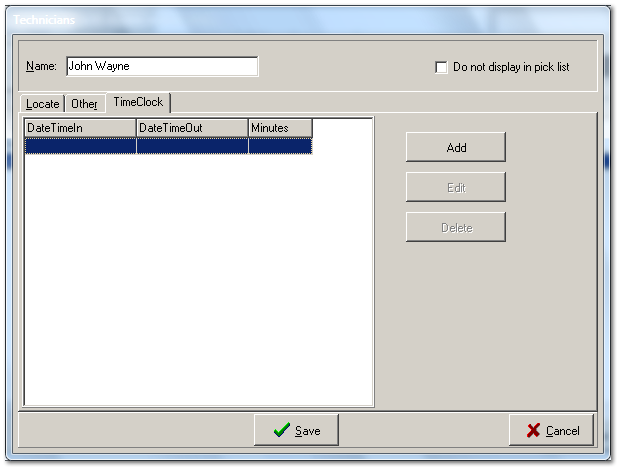
You can view time clock records for the currently selected employee here, but this tab is primarily intended for use by the system administrator or the office manager, whenever it becomes necessary for editing those records that are recorded in real time by the employee as they puch in and punch out from the File menu -> Clock In/Out.
These records represent money earned by your employees, so that is why this function requires the administrator password before entry is permitted.
Care should be taken when editing. It is also a good idea to print the time clock report (Reports tab -> Employee -> Time Clock Hours), before making any changes here.