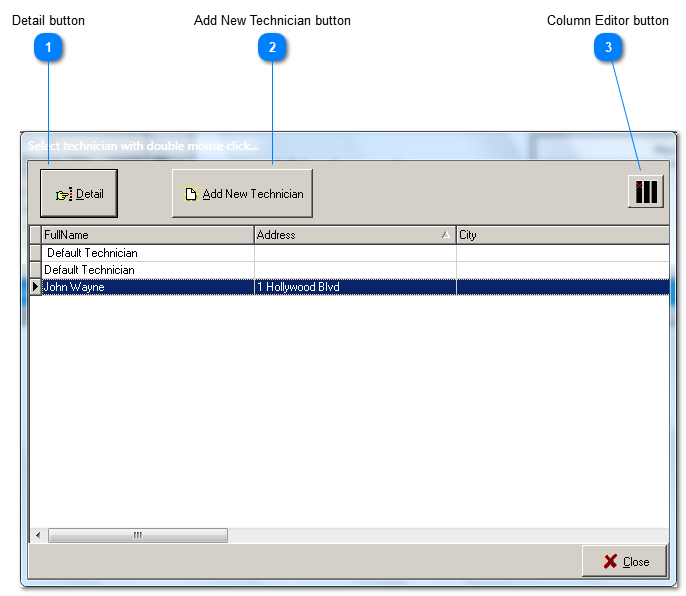
The process of inserting a new employee into the database is very simple. A new form is presented that is identical to what you see when you click the Details button, except that the name field is blank. Simply enter the name of the new employee. From that point on you are editing the new employee record, just the same as when you edit an existing employee record.
The Column Editor provides the ability to change which columns are displayed in the grid. When clicked, a list of all hidden columns pops up in the bottom righthand corner of the screen. Use your mouse to drag and drop column labels, in both directions, between the pop up list and the column header bar of the power grid.