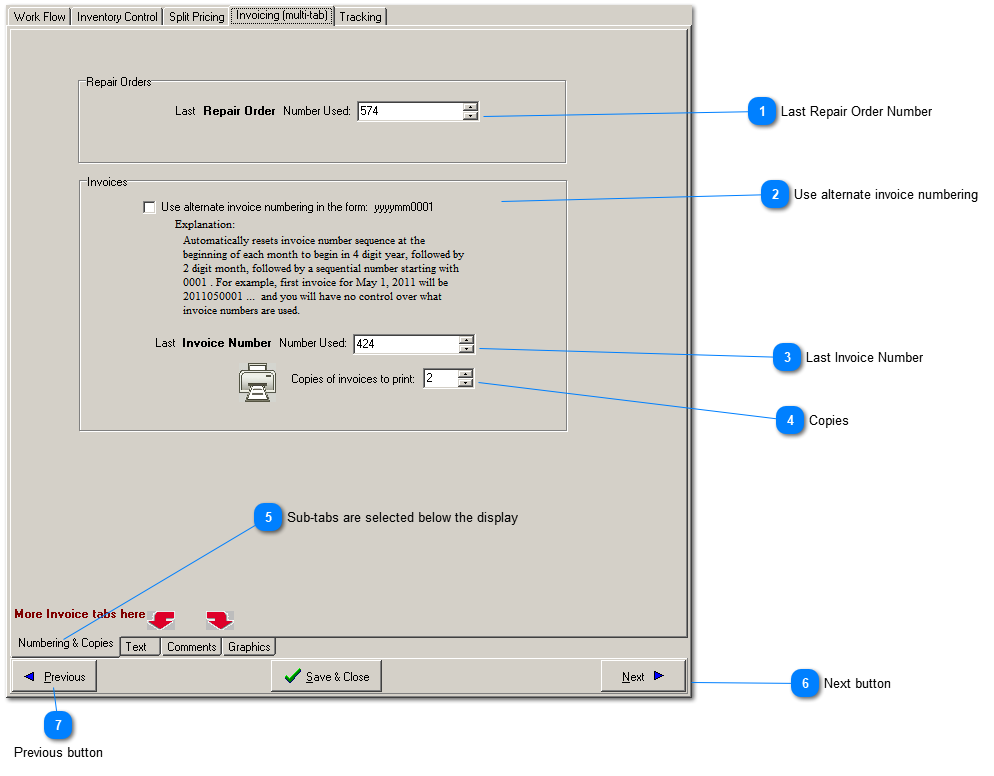
Repair order numbers are assigned when a job is started. Invoice numbers, on the other hand, are assigned when a repair order is finished. Because of this, the repair order numbering sequence is unrelated to the invoice numbering sequence, especially in larger shops.
Both the repair order number and the invoice number can appear on the final invoice. Choose to hide the repair order number on the invoice by changing the service writer settingn found in Edit-> ServiceWriter/Workstation Settings-> Page#2.2.
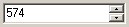
Last Repair Order Number
Beginning with the number entered here, repair order numbers are assigned as soon as a new repair order (or estimate) is started.
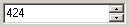
Invoice numbers, assigned at invoicing time, are guaranteed to always be unique. If you set Last Invoice Number to a number less than previously set, any invoice numbers already used will be skipped.