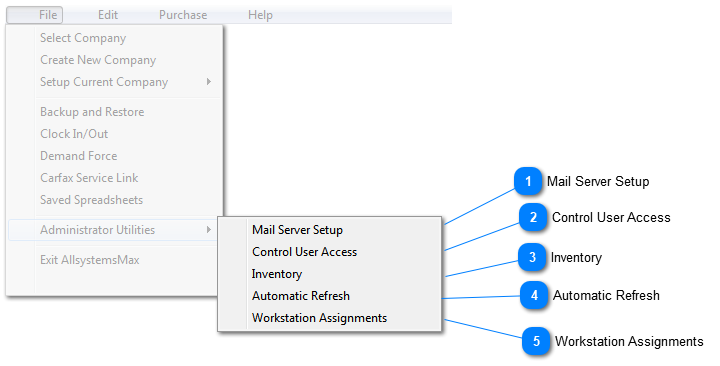
Administrative utilities are only available after successful login in the Administrator Password Window. The default password is 'Admin'. It is case sensitive. That is, capitalization matters!
The administrator can handle technical issues such as mailserver setup, and sensitive issues such as assigning passwords that limit access to particular parts of the software. Also, the administrator can make corrections to inventory, handle multi-user refresh, and limit the contents of the Tech Planner window to only the assigned technician.
Mail Server Setup
Mail server setup is required before you can send emails from within AllsystemsMax. Click here to learn more..
Multi-level password control allows the system administrator to allow access to different parts of the software according to job function. Click here to learn more..