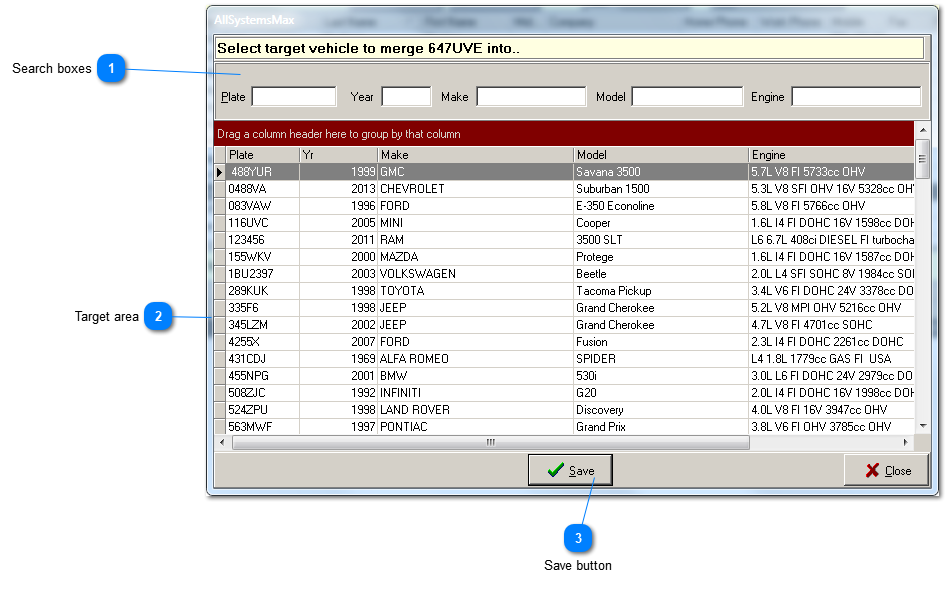
The individual search boxes at the top of the window can be used to narrow down your search for the target vehicle, that is, the vehicle that will remain. Also use column sorting capability of the grid to sort by any column. Although not as fast or useful, you can also use vertical scroll bars to scroll through the list.
Highlight the selected target vehicle. Remember that you are merging the first vehicle you selected INTO the target vehicle. After merging, the first vehicle selected will no longer exist.